Down the admin pipeline
Nearly 2 weeks ago I talked briefly about the CakePHP admin plugin I was building. Since then I have tagged 10 minor versions with many new features and bug fixes. I spent a good chunk of my time testing the admin against my current applications and attempting to fix any issues. I can only do so much testing by myself, so if any of you end up testing the plugin, I would greatly appreciate some feedback!
Models overview
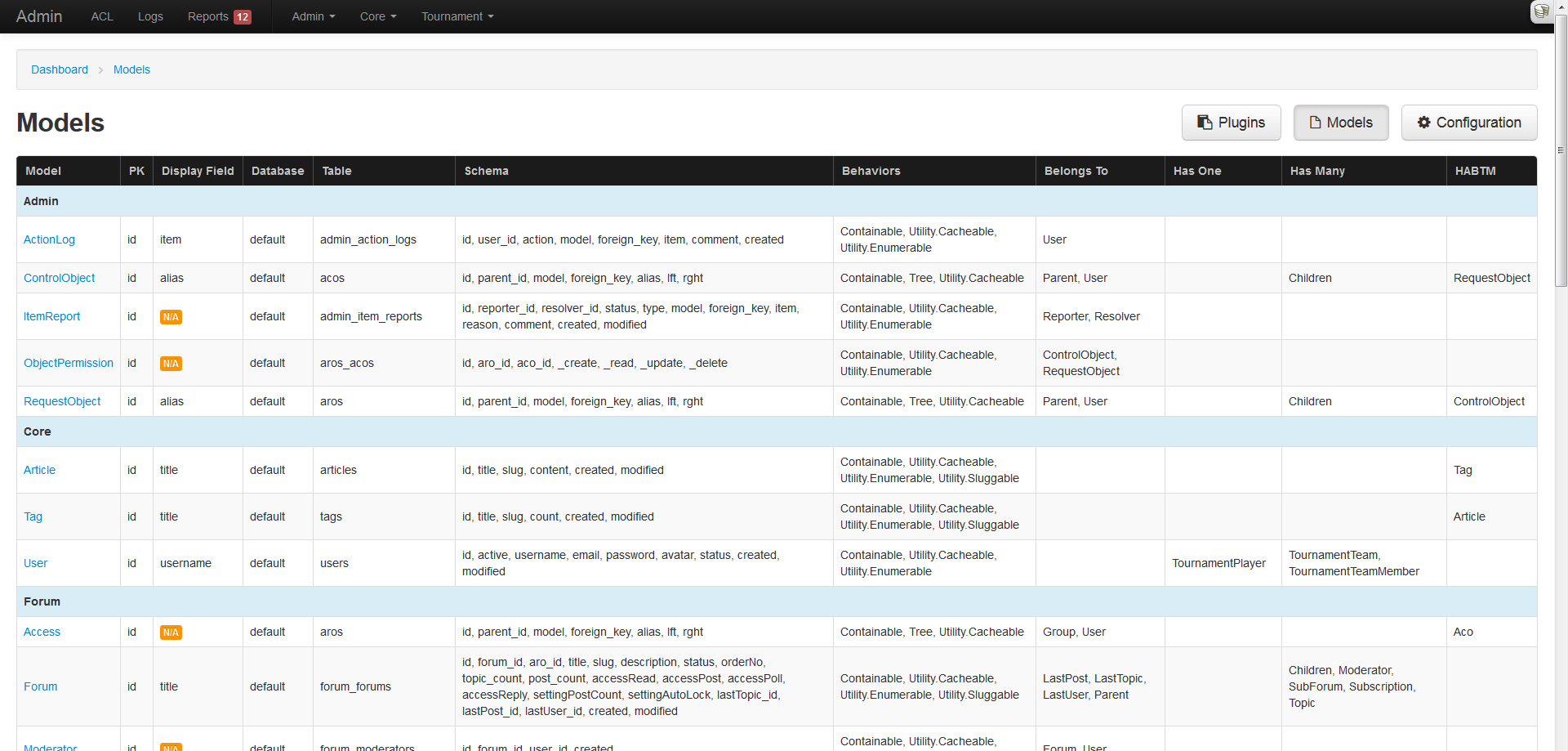
While testing the admin against my applications, I noticed many models were missing display fields and associations. I figured an overview table of all model properties would be a great feature to include.
Configuration overview
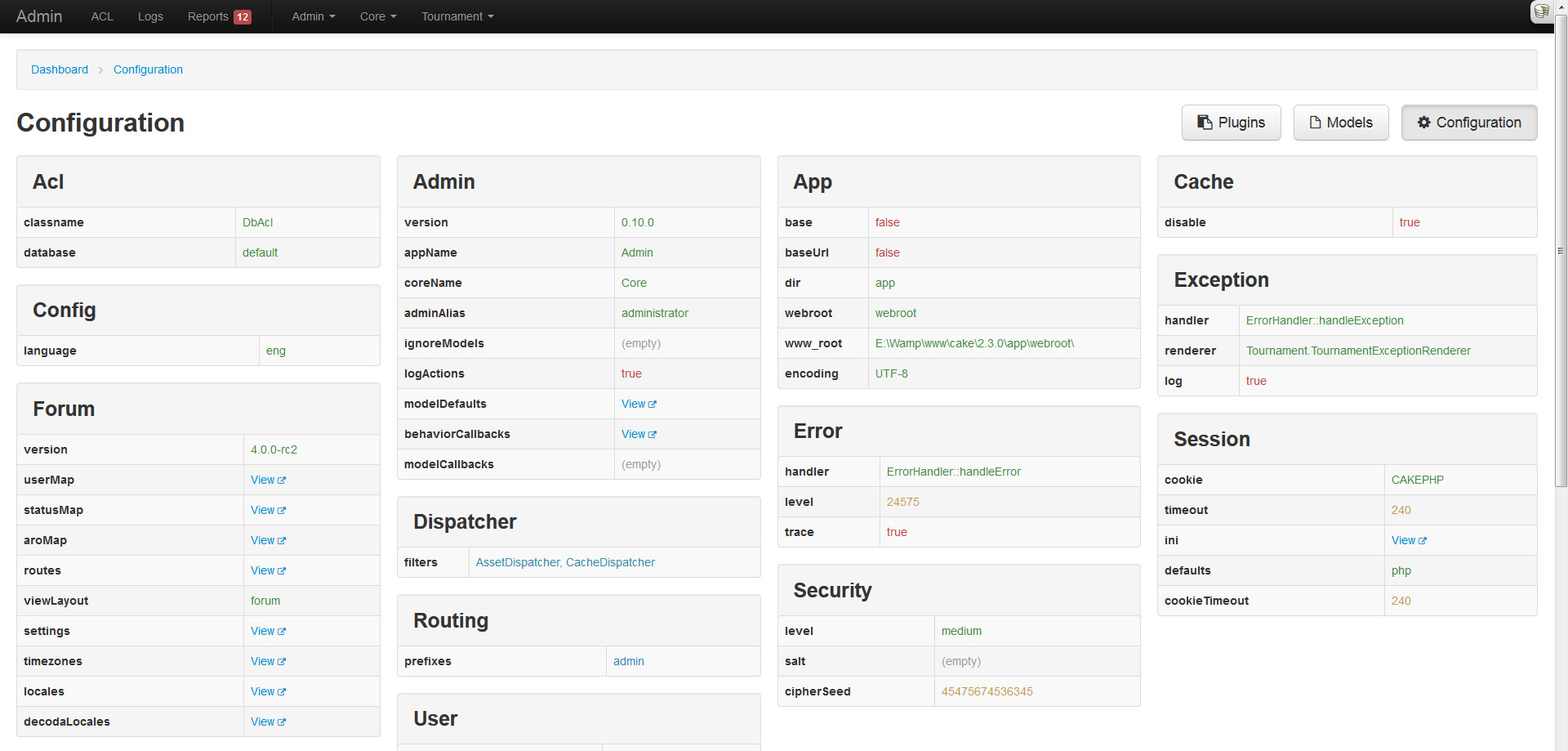
Hot on the heels of the models overview, I decided to apply the same treatment to CakePHPs configuration. This page will display all the top-level configuration settings in neatly structured tables and columns.
Action logging and syslog overview
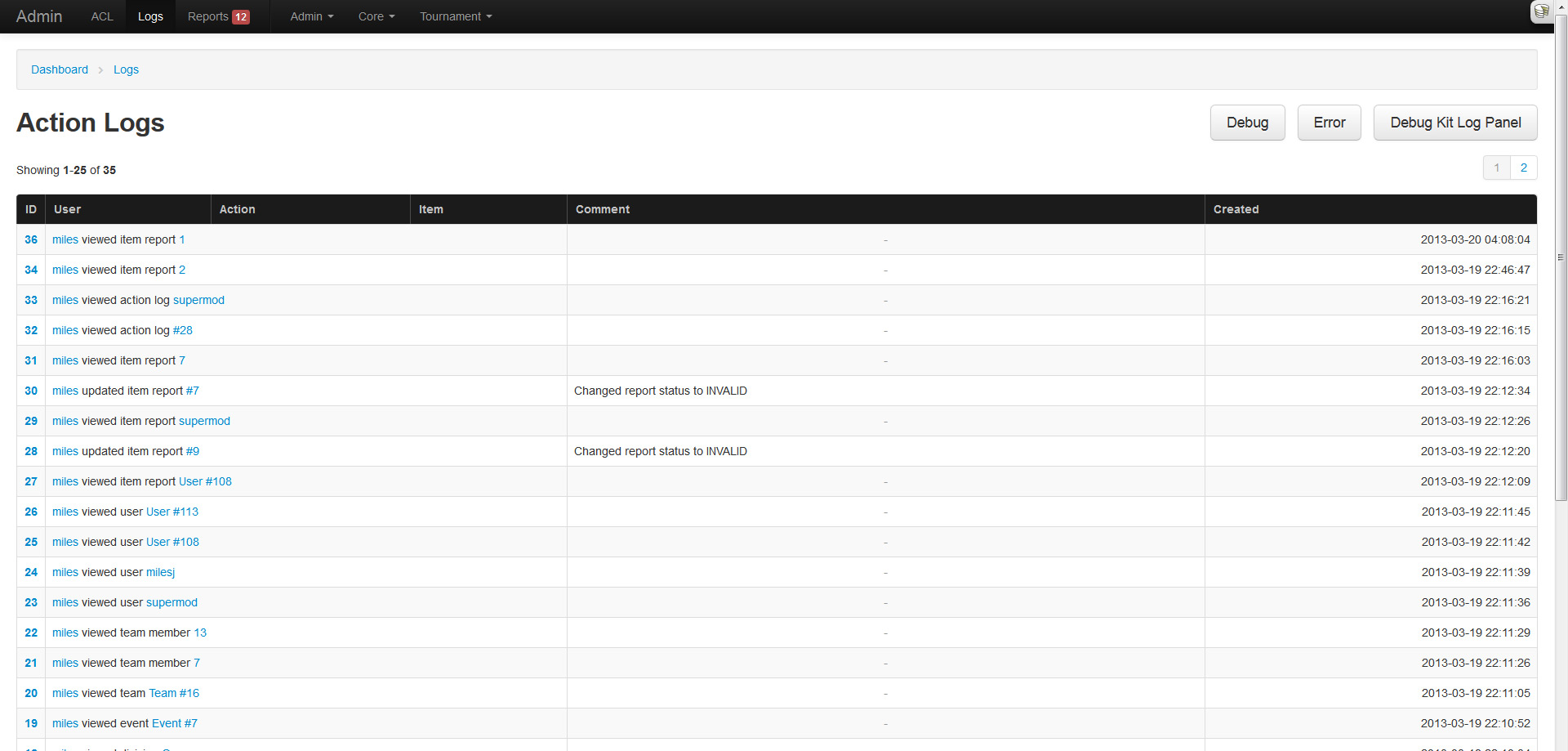
Any sane admin system would log an administrators actions, because you know, just in case they do something shady! The admin plugin comes enabled with a logging system that tracks all users actions. This feature can be enabled (default) or disabled through Configure. To manually log something, one can use the AdminToolbarComponent::logAction() method.
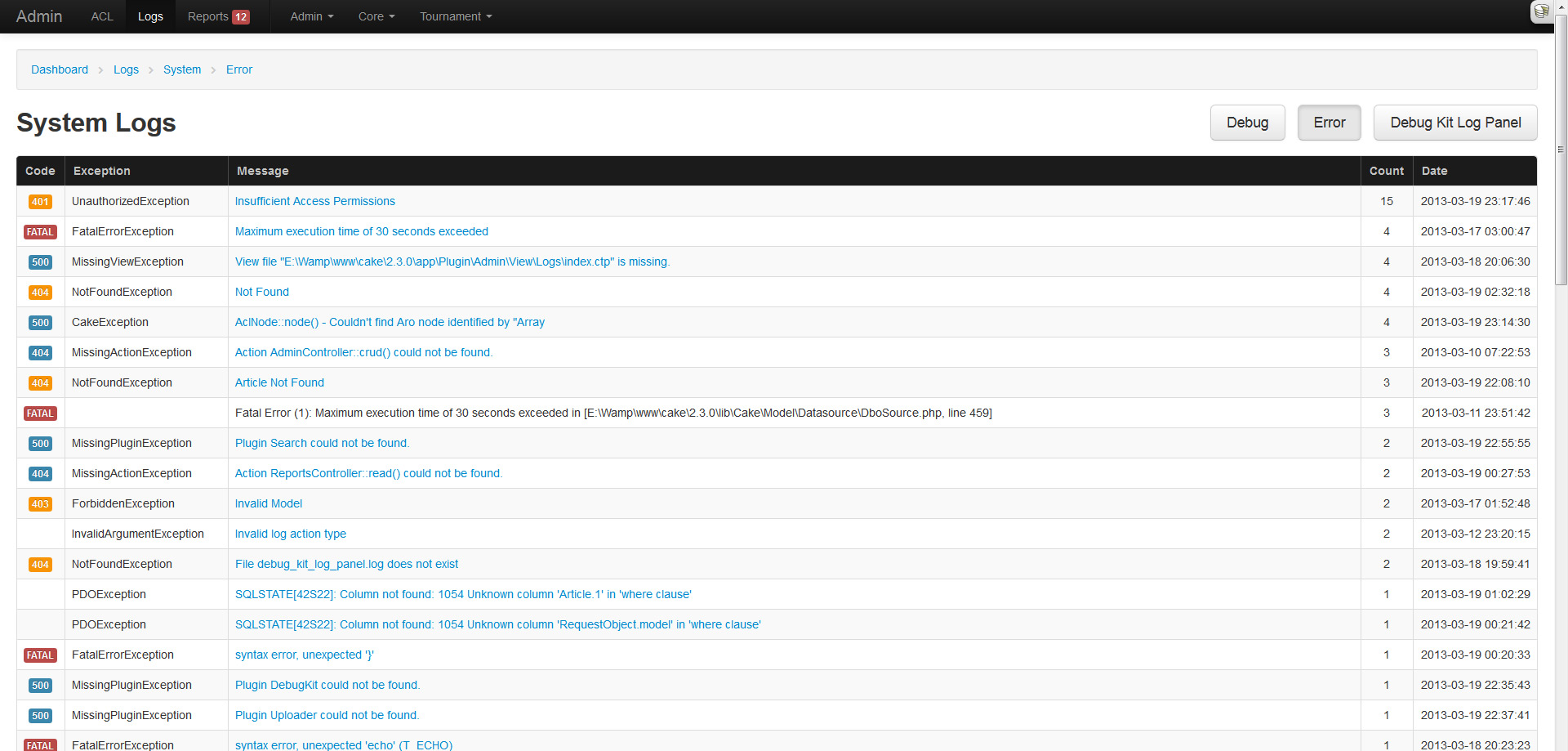
If you are like me, you get tired of SSHing into your server and checking the logs, or are too lazy to setup Splunk or Logstash. Because of this I added a simple log parsing feature that aggregates exceptions and displays them in a pretty table. Do note that this is basic parsing and shouldn't be heavily relied on, and will only parse logs under 2MB.
Reported content
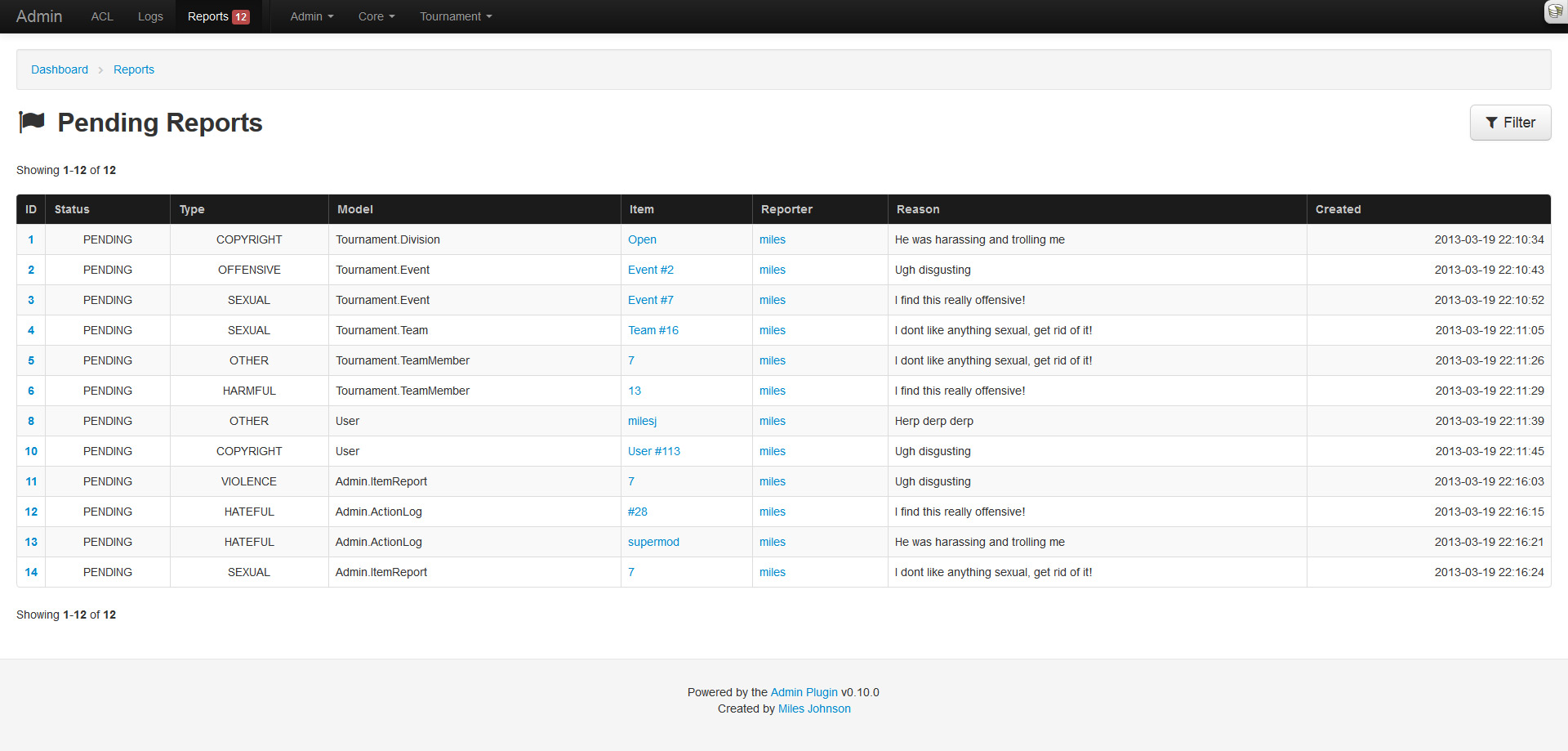
Another useful feature that many sites utilize is a content reporting/flagging system. My forum plugin utilizes one, my tournament plugin will, and my applications do. Each of them rolled their own system, so I thought it would be easier to roll this feature into the admin and have them all extend from it.
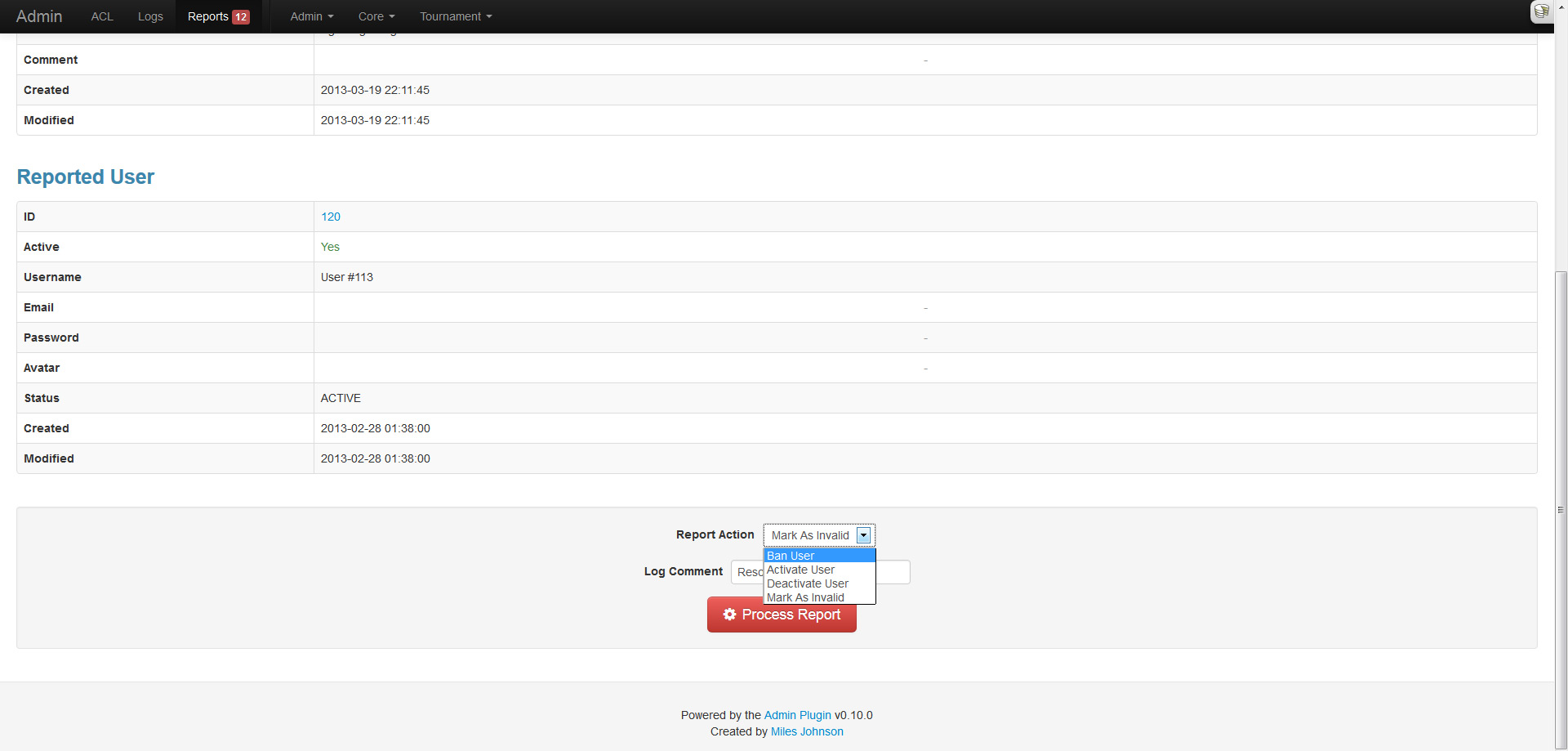
Every user can report content (a model record) and organize it under a specific type (sexual, offensive, etc). These pending reports will then appear in the reports section of the admin until they are resolved by an administrator. For ease of use, the AdminToolbarComponent::reportItem() method can be used within the application context.
Model and behavior callbacks
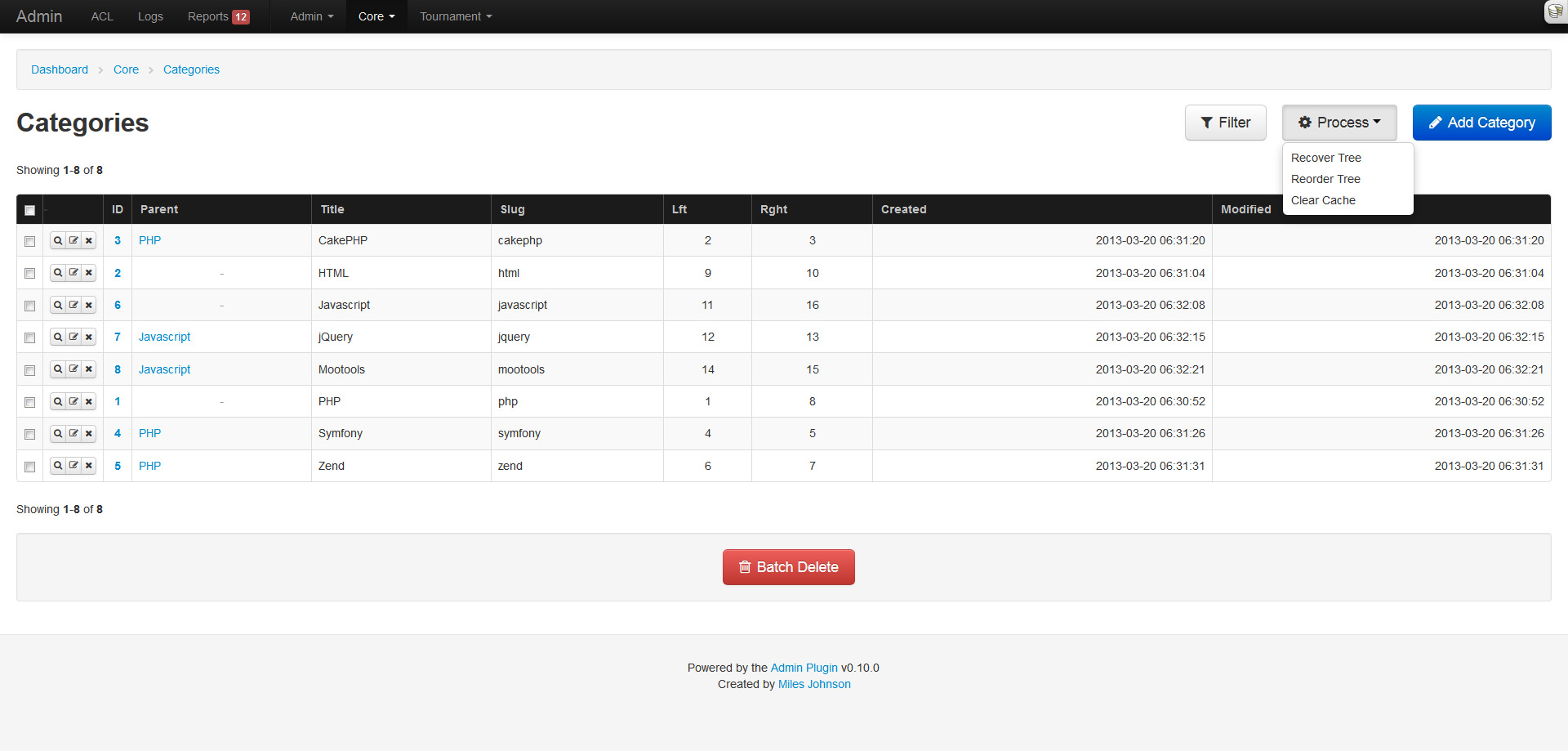
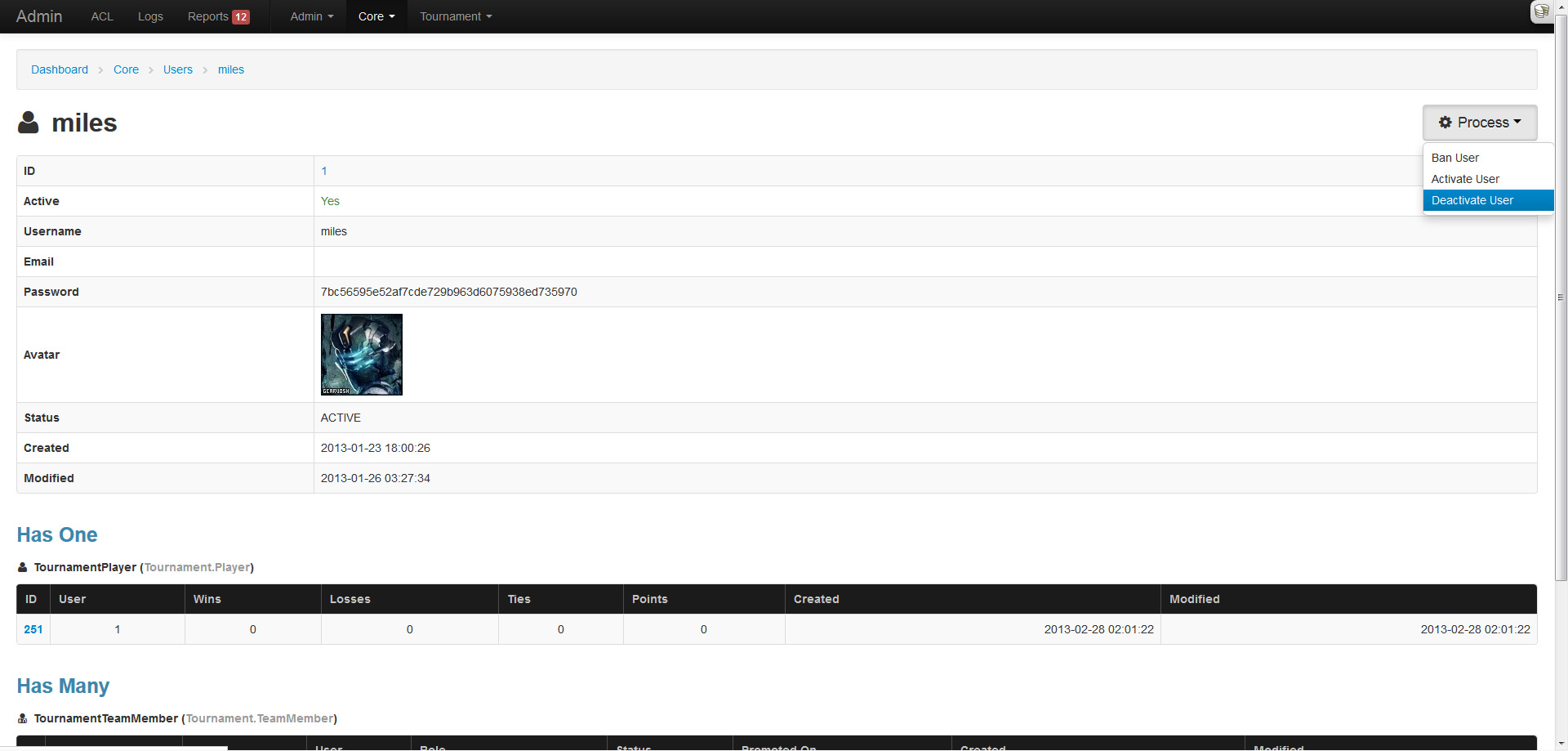
Another nifty feature is the ability to configure model and behavior callbacks that can be triggered from the index listing (behavior) or the read page (model). This allows behavior methods like TreeBehavior::reorder() and CacheableBehavior::clearCache() to be executed within the admin. As for models, it allows custom methods like User::ban($id) to also be executed from within the admin (and is also used in reports).
Filters
What kind of system would this be if you couldn't filter results? A crappy one! Good thing this plugin is amazing. The index page now supports filtering (via named params) and pagination in unison. The filter fields are determined from the models schema and work in a similar fashion to the create and update pages.
Integer and date fields provide a comparison dropdown that lets you choose the operator to use: less than, not equals, etc. Dates allow for any kind of input and will be strtotime() on the backend. Enumerables, booleans and belongs to relations will be represented as a dropdown. Strings will result in a LIKE %% query. Any active filter will be highlighted in yellow.
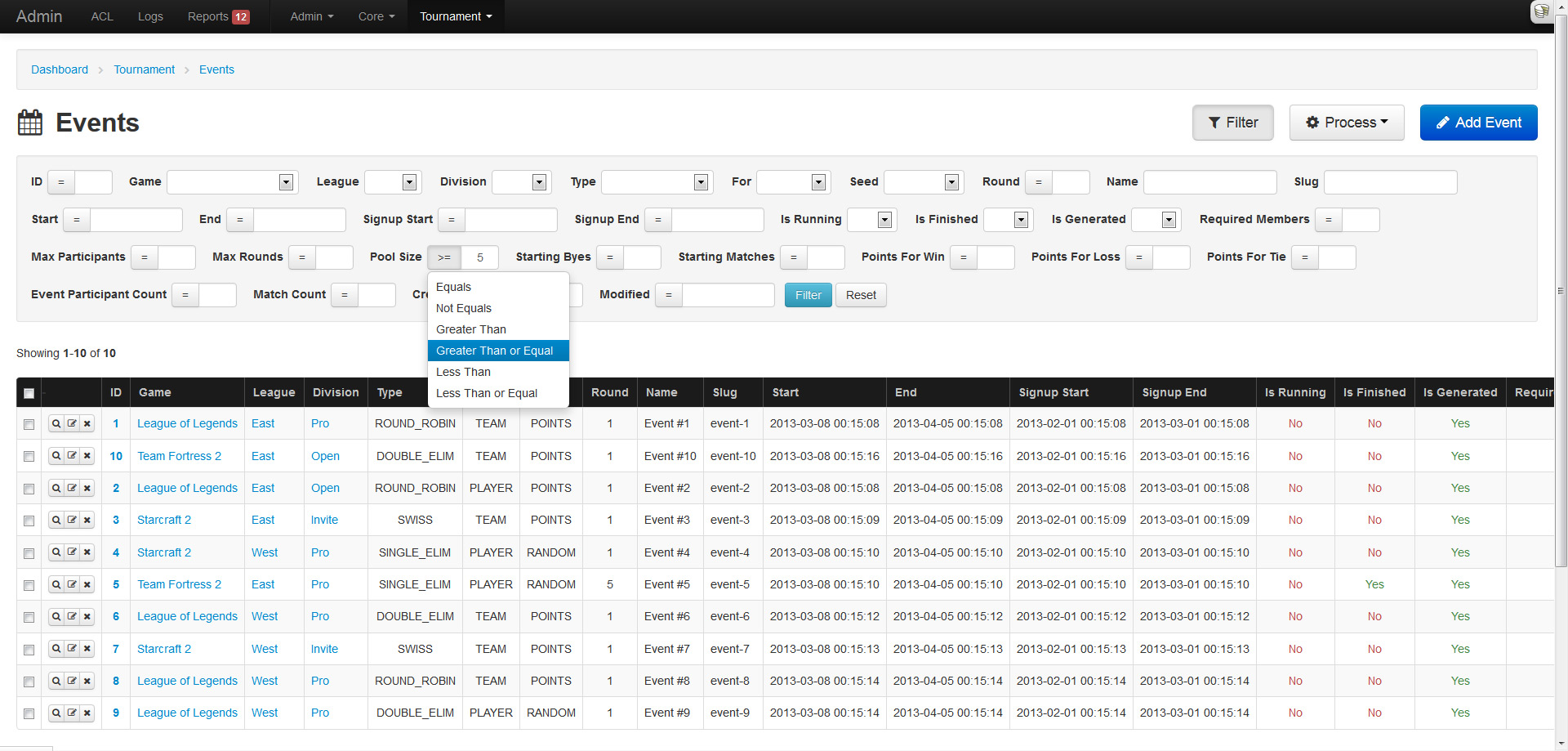
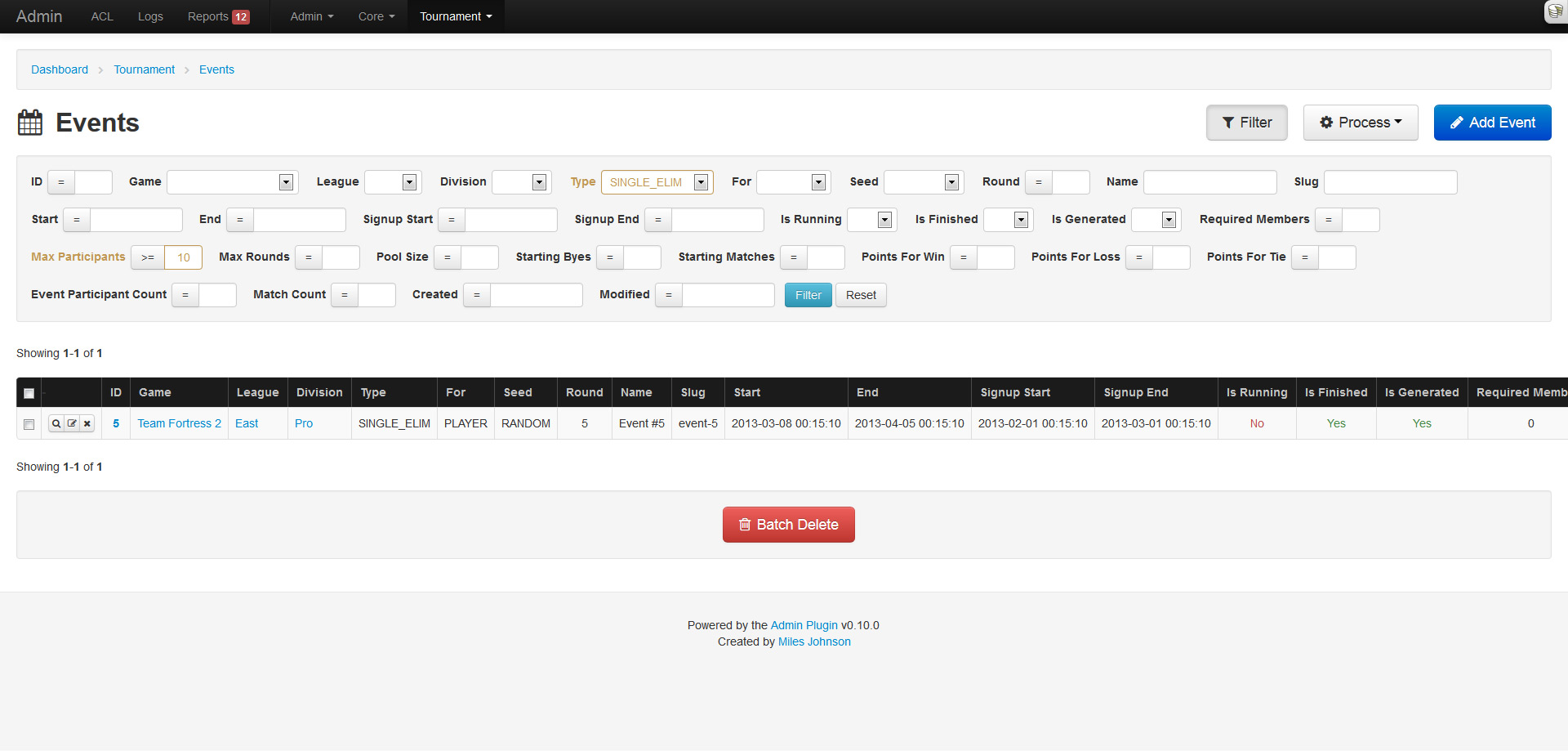
Well this is cool and all...
Don't forget all the custom model icons, and the localization support, and the table action buttons, and yeah, many more things. I have a long list of features to still add, so stick around!
5 Comments
I made a strict choice with the docs to always represent the latest version of Cake and deprecate the older versions unless there was a critical problem. This made it easier for me to maintain but I get tons of emails asking for documentation for older versions that I do not have.
Applications are far easier as they don't change that much, and with each new feature you can test against a new version of Cake. All my applications run on the same server using nginx vhosts, but all point to different Cake versions. Some are still running 1.3 and the others 2.1. I rarely upgrade these as they work just fine as is.
Now plugins are the hard part. The same idea behind the docs apply as I always try and stay up to date with the latest version. However, I will rarely use the "new features" unless direly needed (like admin requires 2.3 features), which allows plugins tested against 2.3 to work in any 2.0 version. In the end, I rely heavily on all you guys to inform me of any issues or compatibility problems. I try to fix any problems ASAP.